Creating an Account, Jalwa
Creating an account explained for jalwa: step-by-step, with the details most guides leave out.
What is Creating an Account on Jalwa?
Creating an account on Jalwa is the one-time registration process that gives you a verified personal profile on jalwax.org. Without a registered account, you cannot place bets, claim bonuses, make deposits, or request withdrawals, every action on the platform is tied to your unique Jalwa login. Think of it the same way you would think about opening a digital wallet on PhonePe or Google Pay: the account is the container that holds your funds, your history, and your identity. Once created, your Jalwa account persists indefinitely unless you request closure, meaning you only go through this process once per mobile number for life.
When you create a Jalwa account you are assigned a permanent Member ID, a secure internal wallet, and full access to the game lobby including live casino tables, sports betting markets, and crash-style games such as Aviator and Wingo. Your account also stores your KYC documents, bonus history, and transaction records in a single dashboard, no juggling between separate emails or third-party apps the way you might with older fantasy platforms.
Compared to Dream11 or MPL, which require email confirmation and date-of-birth entry before you can even browse the lobby, Jalwa asks only for your Indian phone number and a password, so you are inside the platform in under two minutes. KYC is a later, separate step that does not block gameplay.
Jalwa enforces a strict single-account policy. Each player is permitted exactly one registered account linked to one mobile number, one PAN card, and one primary payment destination, whether that is a UPI handle on PhonePe, Google Pay, BHIM, or a linked bank account. Duplicate accounts are detected automatically by Jalwa's fraud-detection system and may result in suspension of both accounts along with forfeiture of any pending bonus balance. This is why it is critical to complete registration correctly the first time rather than abandoning a half-finished signup and starting over with a new number.
New members who register during promotional windows, common around major cricket events like IPL and ICC tournaments, are also automatically eligible for a first-deposit match bonus the moment they top up their Jalwa wallet, making the registration date a meaningful data point for bonus eligibility windows.
Creating an Account, Safety and Timing
Jalwa uses 256-bit SSL encryption on the registration form at jalwax.org, meaning your phone number and password are transmitted securely the moment you tap Submit. Passwords are salted and hashed using industry-standard algorithms before they reach the database, no plaintext credentials are ever stored. The platform's infrastructure includes DDoS protection, and suspicious login attempts trigger automatic temporary locks after five consecutive failed password entries, a safety threshold similar to what PhonePe applies to its MPIN entry screen.
Device fingerprinting is also applied during the registration session: if the same device attempts to open a second Jalwa account under a different number, the system flags that attempt for manual review before any OTP is dispatched.
How long does registration take?
- Form completion: under 2 minutes, only your mobile number, a password, and an optional referral code are required at the signup screen.
- OTP verification: the one-time PIN arrives via SMS on all major Indian carriers, Jio, Airtel, Vi, and BSNL, within 30 seconds under normal network conditions.
- Account activation: instant once OTP is confirmed, your Jalwa wallet is live and you can deposit and play within the same session.
- UPI linking (optional at registration): linking PhonePe or Google Pay UPI adds roughly 90 seconds and enables same-session deposits without re-entering UPI credentials each time.
- Full KYC approval: 10 minutes to 24 hours depending on document clarity and queue volume; required before your first withdrawal reaches your bank account or UPI handle.
Best practices for keeping your Jalwa account safe
- Use a password that is at least 10 characters long and unique to Jalwa, never reuse the same password you use for PhonePe, Google Pay, or your email. A compromised email account should never also compromise your gaming wallet.
- Register with a mobile number you actively control and that is linked to your primary Aadhaar. SIM ownership is cross-checked during withdrawal verification, and a ported or deactivated number causes significant payout delays.
- Never share your Member ID or password with anyone presenting themselves as Jalwa agents on WhatsApp or Telegram, official Jalwa support operates through the in-site chat exclusively and will never ask for your password.
- Enable the in-app login PIN immediately after your first login. This 4-to-6-digit numeric PIN acts as a second authentication factor each time the app is reopened after being backgrounded on Android or iOS.
- If PhonePe or Google Pay is your chosen withdrawal destination, ensure those apps also have their own MPIN and biometric lock active. A stolen unlocked phone with an open UPI app represents a higher financial risk than a compromised Jalwa password alone.
- Monitor your registered number's SMS inbox, Jalwa sends transaction and security notifications via SMS. An unexpected OTP you did not request is a signal to change your password and contact support immediately.
Why VPN blocks Jalwa registration
IP-level geo-checking confirms that each registration originates from India. If you are connected to a VPN routing your traffic through a server in Singapore, the UK, or the US, the Jalwa server reads a foreign IP and blocks the form submission before the OTP is even generated. This is not a soft warning, the Register button simply does not respond. Disabling your VPN entirely (not just pausing it) before opening jalwax.org is a technical requirement, not a suggestion.
Once your account is created and your session is active, a VPN may be tolerated for casual browsing within the platform, but registration and withdrawal requests are both IP-checked and must originate from an Indian address.
Creating an Account, Common Questions
- Do I need to be 18 to create a Jalwa account?
- Yes. Jalwa requires all members to be at least 18 years old in line with responsible gaming guidelines. Age is formally verified during the KYC step using a government-issued ID, Aadhaar card, PAN card, Voter ID, or passport. The registration screen includes a checkbox asking you to confirm you are 18 or older; this is a self-declaration. The technical proof comes at KYC, and accounts found to belong to minors after that review are closed immediately with deposited balances refunded to the originating UPI handle or bank account within 5 to 7 working days.
- Can I register without an Indian phone number?
- Currently Jalwa sends OTPs exclusively to Indian (+91) mobile numbers across all networks including Jio, Airtel, Vi, and BSNL. Non-Indian numbers, for example a UAE (+971) or UK (+44) number, are rejected at the phone-number entry step. If you are an Indian citizen temporarily abroad, use a roaming-enabled Indian SIM to receive the OTP. International roaming SMS delivery typically takes 60 to 90 seconds rather than the usual 30 seconds due to carrier routing, so wait the full minute before tapping Resend.
- What if I do not receive the OTP?
- First, wait 60 full seconds, SMS delivery has inherent latency especially during peak evening hours (7 PM to 11 PM IST) when carrier networks are busiest. Then tap Resend OTP. If the second attempt also fails, verify that the 10-digit number you entered contains no typo and no leading zero after the +91 prefix. Also check that your phone is not set to block messages from unknown senders, some Android DND configurations on Jio and Airtel SIMs silently discard transactional SMS. If three resend attempts all fail, reach Jalwa's 24/7 automated chat support (live agents 9 AM to 9 PM IST) chat on jalwax.org with your number and the approximate times of each attempt so the team can check carrier delivery logs.
- Is a referral code mandatory?
- No. The referral or invite code field is entirely optional. However, entering a valid code at registration, and only at registration, because it cannot be applied retroactively, unlocks an additional welcome bonus credited to your wallet after your first qualifying deposit. The referring player simultaneously receives their referral reward. Given that this is a one-time opportunity locked to the registration screen, it is worth asking in Jalwa community groups on Telegram or WhatsApp whether someone can share a current code before you sign up.
- Can I change my registered mobile number later?
- Number changes require a manual identity review rather than a self-service flow. Go to Profile → Help Centre → Account Ownership Change and submit a request with your current Member ID, old number, new number, and a selfie holding your Aadhaar or PAN card. Processing takes 48 to 72 business hours. During the review your account remains active for gameplay and deposits, but withdrawals to the new number are held until the change is confirmed, the same cautious verification PhonePe applies when you change the primary bank linked to your UPI ID.
- Why was my registration rejected?
- The four most common causes are: (1) the mobile number is already linked to an existing Jalwa account, even one from a previous forgotten session; (2) a VPN or proxy is active, causing the platform to read a non-Indian IP; (3) the phone number was entered in an invalid format such as with a leading zero or incorrect digit count; (4) the device has been previously flagged for a duplicate-account attempt. For causes 1 and 4, contact Jalwa live support with your Member ID, or use the Forgot Account recovery flow to retrieve an existing registration before attempting to create a new one.
- Which payment methods can I link at registration?
- Payment method linking is not required during registration, it happens when you make your first deposit. Methods available immediately after account creation include UPI via PhonePe, Google Pay, BHIM, and Paytm UPI; net banking for major Indian banks including SBI, HDFC, ICICI, Axis, and Kotak; and select prepaid instruments. UPI via PhonePe and Google Pay is the fastest deposit route, typically settling in under 10 seconds, compared to net banking which can take 2 to 5 minutes during peak hours.
Creating an Account Step by Step
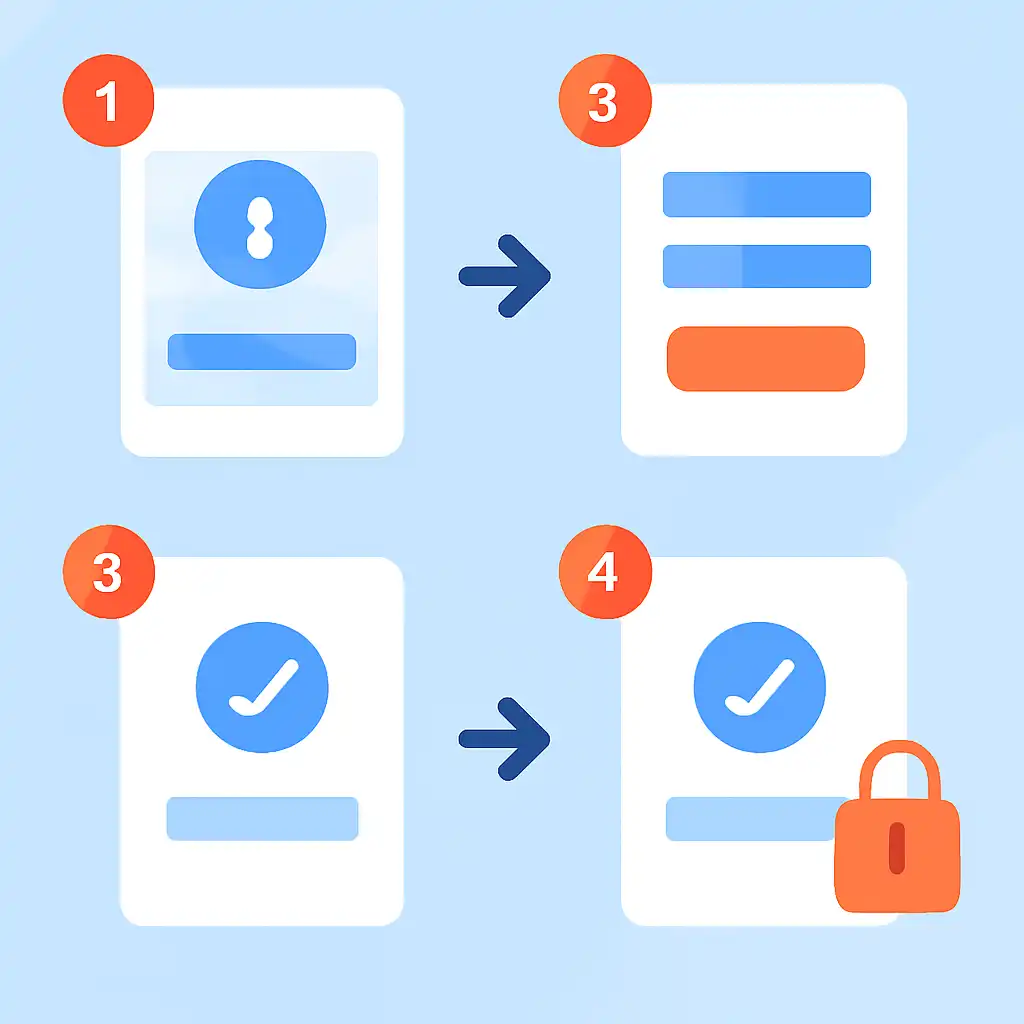
Follow these steps in order from a browser or the Jalwa app on your Android or iOS device. Before you begin, confirm your VPN is completely off, your Indian SIM is active and receiving SMS, and you have decided on a strong unique password. The entire process takes under five minutes from opening the site to having a funded, playable account.
Step 1, Open the Jalwa registration page
Navigate to jalwax.org in Chrome, Safari, or any browser on your phone. On the homepage tap Register or Sign Up, the button appears both in the top navigation bar and as a prominent call-to-action in the centre of the screen. If you arrived via a referral link shared by a friend on WhatsApp or Telegram, the referral code is usually pre-filled in the form automatically; check that the code field is populated before proceeding.
Step 2, Enter your mobile number and create a password
In the registration form, select +91 from the country code dropdown, this should be the default if jalwax.org detects your Indian IP correctly. Enter your 10-digit mobile number without any leading zero. Then create a password: Jalwa requires a minimum of 8 characters and recommends mixing uppercase, lowercase, numbers, and symbols. Do not reuse the same password you use for PhonePe, Google Pay, your email, or your bank's net-banking portal. If you have a referral code not already pre-filled, enter it in the Invite Code field now, this is your only chance to apply it. Tick the terms-and-conditions checkbox and tap Get OTP.
Step 3, Verify with OTP
Jalwa sends a 4-to-6-digit one-time password to your registered number via SMS within 30 seconds on Jio, Airtel, Vi, and BSNL networks. Open your SMS inbox, copy the OTP, and paste or type it into the verification field on the Jalwa screen. The OTP expires after 5 minutes, so complete this step promptly. If nothing arrives within 60 seconds, tap Resend OTP. After three failed resend attempts, switch from mobile data to Wi-Fi (or vice versa) before trying once more, carrier routing occasionally drops transactional SMS when network congestion is high, especially between 8 PM and 10 PM IST.
Once the correct OTP is entered and accepted, your Jalwa account is created instantly and you are logged in automatically.
Step 4, Complete your profile and set the login PIN
Immediately after your first login, navigate to Profile → Security and set a 4-to-6-digit login PIN. This PIN is required every time the Jalwa app is reopened after being backgrounded, functioning like the MPIN you use on PhonePe or Google Pay to authorise transactions. Next, go to Profile → Personal Details and add your full name exactly as it appears on your Aadhaar or PAN card, this name must match what you submit during KYC or your withdrawal requests will be held for manual reconciliation.
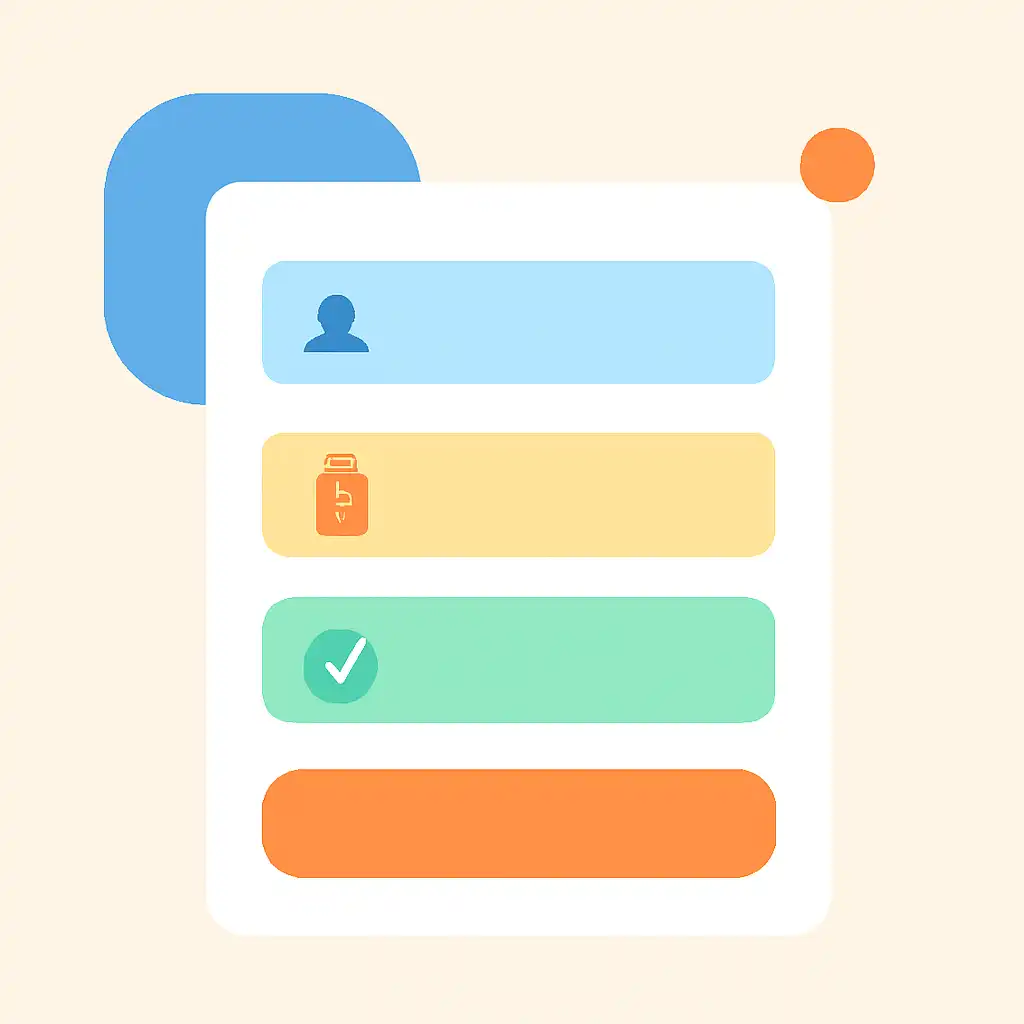
Upload a clear front-and-back photo of your Aadhaar card or PAN card in the KYC Verification section. Approval typically takes 10 minutes during business hours and up to 24 hours overnight.
Step 5, Make your first deposit and claim the welcome bonus
Go to Wallet → Deposit and choose your preferred payment method. UPI via PhonePe or Google Pay is the recommended route for Indian users, it settles in under 10 seconds, there are no additional charges, and the UPI handle you use becomes the primary destination for future withdrawals, streamlining the payout process. Enter your deposit amount, ensure it meets the minimum threshold stated on the current welcome bonus offer, and confirm the payment in your UPI app.
The funds appear in your Jalwa wallet within seconds. If a welcome bonus is active during your registration window, the bonus credit is added to your wallet automatically alongside your deposit, no coupon entry is needed at the cashier step, because the bonus was unlocked the moment you completed registration.