Making a First Deposit, Jalwa
A practical guide to making a first deposit for jalwa: the steps, the limits and the common mistakes.
What Is Making a First Deposit?
A first deposit on Jalwa is the initial transfer of real money into your player wallet, the single action that converts a registered profile into a fully active account capable of placing bets, spinning games, and joining live dealer tables at jalwax.org. Until this step is completed your account exists but cannot participate in real-money play. More importantly, the first deposit is the exact event that triggers Jalwa's new-player welcome bonus; no other deposit ever qualifies for that offer again, which gives this one transaction an outsized importance compared with every top-up that follows it.
Unlike routine reload deposits, which are straightforward additions to an already-active balance, the first deposit on Jalwa is a one-time, permanent event recorded against your registration. It determines bonus eligibility, establishes the payment method Jalwa associates with your account for future cashouts, and in many cases triggers a KYC identity-verification checkpoint. Get this step right and every subsequent transaction on the platform runs smoothly. Misjudge the amount, use an inconvenient payment channel, or miss a promo code, and the consequences can linger for the lifetime of your account.
In India, where UPI has become the default payment rail for everyday transactions, making a first deposit on Jalwa is quick for most players. The platform accepts PhonePe, Google Pay, BHIM, Paytm, and Amazon Pay alongside net banking, debit and credit cards, and select cryptocurrency wallets. Regardless of the method you choose, the mechanics are the same: pick a payment channel, enter an INR amount, authenticate through your bank, and your Jalwa wallet balance updates within seconds. The sections below cover each of those steps in detail alongside the tips that separate a clean, bonus-maximising first deposit from a costly misstep.
Three Reasons the First Deposit Matters More Than Any Other on Jalwa
- Welcome bonus eligibility: Jalwa's new-player offer, typically a percentage match on the deposited amount, fires once and only once on your first successful deposit. A failed, cancelled, or below-minimum transaction does not reset the trigger; the offer simply expires unclaimed.
- Payment method association: Jalwa's cashout policy links withdrawals to the channel used at the first deposit stage. Selecting a UPI handle you rarely use means routing every future withdrawal through that same handle, a small inconvenience that compounds over time.
- KYC verification gate: For many Indian players the first deposit is the moment Jalwa requests Aadhaar, PAN, or passport documentation. Clearing this verification immediately prevents withdrawal holds when you are ready to cash out your winnings.
Making a First Deposit for New Players
If you have just completed registration on jalwax.org, the steps below walk you through making your first Jalwa deposit accurately and without losing your welcome bonus. Every step is written for the Indian player context, where amounts are in Indian Rupees and UPI is the most widely used payment method.
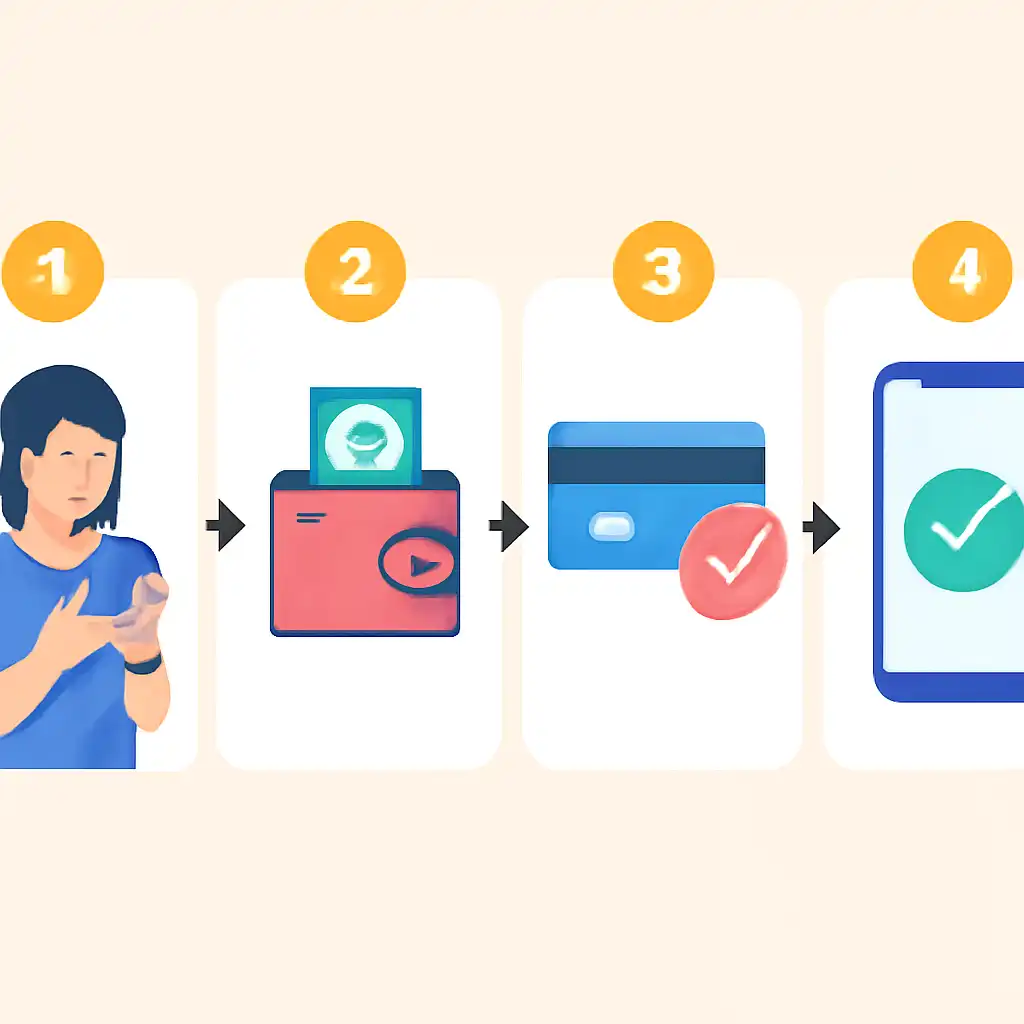
Step-by-Step Guide to Your First Jalwa Deposit
-
Log in to your Jalwa account.
Go to jalwax.org and sign in using the email address and password you set during registration. Confirm the URL carefully, phishing pages imitate the Jalwa interface on look-alike domains. The padlock icon in your browser's address bar confirms the connection is SSL-secured.
-
Open the Cashier and select Deposit.
Click the Deposit button in the top-right corner of the Jalwa dashboard. This takes you directly into the payment portal. Both the desktop site and the mobile-optimised version display this button in the same location.
-
Choose your payment method.
Select a method you plan to use regularly, since it may anchor your withdrawal route. UPI via PhonePe, Google Pay, BHIM, Paytm, or Amazon Pay is the fastest option and carries no transaction fees for Indian players. Net banking via IMPS or NEFT suits players who prefer direct bank-to-bank transfers. Debit and credit cards (Visa, Mastercard, RuPay) work well but some Indian banks block online gaming merchant codes, call your bank to whitelist the category if you intend to use a card. Cryptocurrency wallets are available for players who prefer enhanced privacy, with standard network confirmation times applying.
-
Enter the deposit amount in INR.
Type the rupee value you want to transfer and confirm it meets or exceeds the minimum Jalwa requires for the first deposit bonus to activate. If the welcome offer matches deposits up to ₹10,000 at 100%, depositing exactly ₹10,000 maximises the bonus credit. Depositing ₹15,000 in that scenario still earns only the capped bonus amount, the extra ₹5,000 enters your real-money balance without additional bonus credit attached. The current minimum and bonus cap are displayed in the cashier on jalwax.org and can change with seasonal promotions.
-
Enter a promo code if you have one.
If Jalwa issued a promotional code in your welcome email or on the Promotions page, enter it in the bonus code field that appears on the deposit screen before confirming. Codes cannot be applied retroactively once a deposit settles, this field disappears after you hit confirm.
-
Authenticate the payment through your bank.
For UPI, Jalwa sends a collect request to your chosen app. Open PhonePe, GPay, or BHIM, review the merchant name and amount, and enter your UPI PIN. For net banking you are redirected to your bank's secure login portal. For cards, enter your card number, expiry, and CVV, then approve the OTP sent to your registered mobile number. Jalwa's system never handles your PIN, CVV, or OTP, all authentication occurs directly with your bank.
-
Confirm the balance update in your Jalwa wallet.
Return to the Jalwa cashier page. UPI deposits reflect in 10 to 30 seconds. Card payments typically credit within two minutes. IMPS net banking settles within 15 minutes; NEFT can take up to 30 minutes depending on your bank's batch schedule. If funds do not appear within five minutes for UPI or cards, note the transaction reference number from your bank's SMS confirmation and contact Jalwa support via live chat before attempting any second deposit.
Jalwa First Deposit, Payment Methods Compared
| Method | Examples | Processing Time | Jalwa Fee |
|---|---|---|---|
| UPI | PhonePe, GPay, BHIM, Paytm | 10 to 30 seconds | None |
| Net Banking (IMPS) | SBI, HDFC, ICICI, Axis, Kotak | Instant, 15 min | None |
| Net Banking (NEFT) | All major Indian banks | Up to 30 min | None |
| Debit / Credit Card | Visa, Mastercard, RuPay | Instant, 2 min | None |
| Cryptocurrency | USDT, BTC, ETH | 10 to 30 min | Network gas fees |
Making a First Deposit Tips and FAQs
Small errors during a first Jalwa deposit permanently forfeit the welcome bonus or delay fund access by hours. The tips below address the most frequent mistakes Indian players make, and the FAQ answers cover the specific scenarios that cause the most confusion at the payment stage.
Essential Tips Before You Confirm Your First Jalwa Deposit
- Read the bonus wagering requirement before you deposit, not after. Jalwa's welcome offer carries a turnover multiplier, the number of times you must bet the bonus amount before it becomes withdrawable cash. A 30x requirement on a bonus means ₹1,50,000 in qualifying bets before cashout. Full terms are listed on the Promotions page at jalwax.org.
- Match your deposit amount to the bonus cap exactly. Depositing above the cap wastes real money that earns no additional bonus credit. Depositing below the minimum threshold means the bonus does not trigger at all. Calculate the target amount before opening the cashier.
- Avoid an active VPN during the deposit. Jalwa's fraud-detection layer flags deposits where the originating IP address does not match your registered location. A VPN session during your first deposit can freeze the funds pending a manual security review lasting 24 to 72 hours.
- Complete KYC before depositing a large amount. Upload Aadhaar or PAN documents via your Jalwa profile settings before initiating a high-value first deposit. The deposit itself will not be blocked, but any withdrawal above a certain threshold may be held until verification is approved. Clearing it in advance eliminates that delay entirely.
- Check your UPI daily transaction limit. Most Indian banks cap individual UPI payments at ₹1 lakh per transaction and set a cumulative daily limit. If you have already made UPI payments earlier in the day, confirm your remaining headroom in your banking app before opening the Jalwa cashier. Hitting the ceiling mid-transaction triggers an automatic decline.
- Save the bank transaction reference immediately. The moment your bank's app generates a UTR or transaction ID, screenshot it. This reference is the single most useful piece of information for Jalwa's support team when manually reconciling a delayed deposit.
- Do not close the browser during a payment redirect. Closing the window while being redirected to your bank's net banking portal or a UPI deep link risks a scenario where your bank debits the amount but Jalwa never receives the confirmation signal, creating a pending reconciliation case that requires manual resolution by Jalwa's finance team.
- Does Jalwa charge a fee on the first deposit?
- Jalwa levies no deposit fee of its own. Your bank may charge a small service fee for NEFT or IMPS transactions, typically ₹2.50 to ₹25 depending on the amount slab. UPI transfers are free from the bank side under RBI mandate. Check your bank's published fee schedule if you are depositing via net banking to avoid surprises.
- Can I split my intended first-deposit amount across two transactions to reach a higher bonus tier?
- No. The Jalwa welcome bonus attaches to the first deposit event only. A second transaction, even made within the same minute, is recorded as a reload deposit and is ineligible for the new-player offer. Place the full intended amount in a single transaction to maximise bonus credit.
- What if I forgot to enter a bonus code before confirming my deposit?
- Promo codes must be entered on the deposit screen before you confirm the transaction. Retroactive code application is not supported once a payment settles. If you realise immediately after depositing, open a live chat with Jalwa support; some agents can manually credit the bonus if you contact them within the same session and the code remains valid and unused.
Making a First Deposit Common Questions
Beyond the core mechanics, Indian players regularly ask about edge cases, what happens when a deposit fails partway through, whether a declined card counts as the "first deposit," and how the platform handles discrepancies between the amount debited by the bank and the amount credited to the Jalwa wallet. This section answers those specific questions directly.
The questions below are drawn from the scenarios Jalwa support agents encounter most frequently from players making their first deposit. Where an answer depends on your specific bank or payment method, the response notes that distinction so you can verify the detail that applies to your situation rather than relying on a one-size-fits-all answer that may not hold.
- My bank debited the money but my Jalwa balance did not update. What should I do?
- Do not attempt a second deposit immediately. The most common cause is a payment gateway notification delay, the funds are in transit and will credit automatically within 30 minutes for UPI and within two hours for NEFT. If the balance has still not updated after that window, copy your bank UTR or transaction reference number and open a live chat on jalwax.org. Jalwa's finance team can trace the payment and credit your wallet manually once the bank-side record is confirmed. Attempting a duplicate deposit before this is resolved risks double-charging your bank account.
- Does a failed or declined first-deposit attempt use up my welcome bonus eligibility?
- No. A declined or failed transaction, one where your bank does not successfully authorise the payment, does not register as a completed deposit on Jalwa's system. Your first-deposit bonus eligibility remains intact. Only a successfully settled transaction triggers the bonus clock, so a bank decline simply means you need to retry with a working payment method or sufficient funds.
- Can I make my first deposit on the Jalwa mobile app rather than the website?
- Yes. The Jalwa mobile app and the desktop site at jalwax.org share the same account database and cashier back-end. A deposit initiated in the app credits to the same wallet and triggers the same welcome bonus as a deposit made on the desktop site. UPI payments are particularly convenient on mobile since your UPI app and the Jalwa app run on the same device, removing any need for QR scanning or manual VPA entry.
- How long does the Jalwa welcome bonus remain available after I register?
- Jalwa sets an expiry window on the new-player welcome offer that is stated in the promotion's terms and conditions on the Promotions page. Typically, the bonus is available for a limited number of days after account registration, not days after the first deposit. This means registering and delaying your first deposit for weeks can cause the offer to expire before you have used it. If you have registered recently, check the current expiry date in the active offers section of your Jalwa account before assuming the bonus is still available.
- Will my first-deposit payment method be permanently locked for withdrawals?
- Jalwa's standard withdrawal policy routes cashouts back through the same payment channel used at first deposit, but this is a compliance measure rather than a permanent technical lock. If you need to withdraw via a different method, for example, if the UPI handle used at first deposit is no longer active, contact Jalwa support and complete any additional verification they require to update the withdrawal route on your account. Processing times for such changes vary; initiating the request well before you intend to withdraw avoids delays.
- Is there a maximum limit on how much I can deposit for the first time on Jalwa?
- Jalwa itself does not publish a formal cap on first-deposit amounts, but your payment method imposes its own ceiling. Most UPI apps process a maximum of ₹1 lakh per single transaction; IMPS carries similar per-transaction limits that vary by bank. Card transactions are capped by your card's available credit or debit limit and your bank's online transaction settings. For a first deposit above these thresholds, NEFT net banking, which has a higher per-transaction ceiling, is the most practical route. Confirm current Jalwa limits directly in the cashier on jalwax.org, as platform-level caps are subject to change.