Deposits, Withdrawals and Payouts, Jalwa
A practical guide to deposits, withdrawals and payouts for jalwa: the steps, the limits and the common mistakes.
What is Deposits, Withdrawals and Payouts?
Every real-money gaming experience begins and ends with the movement of funds. On Jalwa, the terms deposits, withdrawals and payouts each describe a distinct stage in that journey, and understanding what each one means helps you move money confidently and without surprises.
A deposit is any transfer of funds from your personal bank account, digital wallet or payment card into your Jalwa account balance. Once the credit appears on the platform, those funds are available to wager on games, contests or sports markets that Jalwa offers. Deposits are almost always instant or near-instant, depending on the payment method you choose.
A withdrawal is the reverse action: moving funds from your Jalwa balance back to a payment instrument you own. Jalwa verifies that the destination account belongs to you before releasing any money, which is a standard safety measure across the industry.
A payout refers specifically to the winnings credited to your Jalwa balance when a bet, game round or contest entry produces a positive result. Payouts are calculated and credited automatically by the platform; you do not need to claim them manually. Once a payout lands in your balance, it becomes eligible for withdrawal subject to any applicable wagering or playthrough conditions tied to promotional funds.

Knowing the difference between these three concepts matters because each one follows slightly different rules, timelines and verification steps. This guide walks through all three in detail so you can fund your account, play your preferred games and access your winnings as smoothly as possible on Jalwa.
How Deposits, Withdrawals and Payouts works
Jalwa is designed so that the entire funding cycle, from depositing your first rupee to receiving a withdrawal, can be completed without leaving the platform. Here is how each stage works in practice.
How deposits work
When you initiate a deposit, Jalwa presents a list of supported payment methods. Common options used by Indian players include UPI (Unified Payments Interface), net banking, debit cards and popular e-wallets. You enter the amount you wish to add, select your method and authenticate the transaction through your bank or wallet app. The platform receives confirmation from the payment gateway and credits your Jalwa balance, usually within seconds for UPI and e-wallet transactions.
Minimum and maximum deposit limits vary by payment method. The exact figures are shown at the point of deposit on the Jalwa cashier page, so always review them before confirming a transaction.
How withdrawals work
Withdrawals follow a request-and-review cycle. You submit a withdrawal request specifying the amount and the destination account. Jalwa's payments team then reviews the request, which may include a standard Know Your Customer (KYC) check if you have not completed identity verification previously. Once approved, the funds are dispatched to your nominated account. Processing times differ by method and are covered in detail in the fees and timing section below.
An important point about promotional balances: if some or all of your Jalwa balance originated from a bonus offer, that portion of your funds is typically subject to wagering requirements, a multiplier that specifies how many times the bonus (or the bonus plus deposit) must be wagered before a withdrawal can be processed. For example, a match-deposit bonus with a 20× wagering requirement on the bonus amount means that if you received a bonus of any given value, you must collectively wager twenty times that value in eligible games before those bonus-derived funds convert to freely withdrawable cash.
The specific terms for each promotion, including the applicable multiplier and eligible game contributions, are published in Jalwa's promotions terms and conditions page, which is the authoritative source to consult before opting in to any offer.
How payouts work
When a game round ends, a sports event settles or a contest result is finalised, Jalwa's system calculates your return and credits the payout to your account balance immediately and automatically. For sports markets, settlement occurs once the official result is confirmed. For live casino and slot games, the credit appears before the next round even begins. You can see your updated balance reflected in the account area; the history of all credits and debits is also logged in your transaction history for reference.
Deposits, Withdrawals and Payouts tips from experienced players
Players who have used Jalwa regularly over time tend to develop habits that make the funding process faster and more predictable. The following tips reflect common wisdom from the experienced player community.
Complete KYC before you need to withdraw
Identity verification is mandatory before your first significant withdrawal. Uploading your documents, typically a government-issued photo ID and proof of address, while your balance is still growing means the check is already done when you are ready to cash out. Waiting until you have winnings and then submitting documents for the first time adds unnecessary delay to what could otherwise be a quick withdrawal.
Use the same method for deposits and withdrawals where possible
Many payment providers require that withdrawals return to the same source as the deposit for fraud-prevention reasons. Using your primary UPI handle or bank account consistently for both directions simplifies the process and reduces the chance of a withdrawal being flagged for additional review.
Understand bonus terms before you deposit
Match-deposit bonuses work by topping up your deposit by a stated percentage. For instance, a 100% match offer doubles your depositing amount in bonus funds, meaning a deposit of any qualifying size is matched equally. However, the bonus funds come with wagering requirements that must be satisfied before those funds can be withdrawn. Reading the full terms, including the wagering multiplier, the time limit, and which games contribute toward clearing the requirement, before you opt in prevents misunderstandings later. Jalwa publishes these terms on its promotions pages, which are the right place to check figures before committing to an offer.
Withdraw in stages if you prefer predictability
Rather than waiting to accumulate a very large balance before withdrawing, some players prefer to request withdrawals periodically. This approach means smaller amounts move through the review process regularly, so you become familiar with typical approval times and are not left waiting a long time for a single large payout.
Keep a record of your transactions
Your Jalwa transaction history shows every deposit, withdrawal and credited payout. Cross-referencing that log with your bank statement or wallet app periodically helps you catch any discrepancy early. If there is ever a mismatch, having a clear personal record makes it far easier to raise a query with Jalwa's support team.
Choose your deposit timing deliberately
When Jalwa is running a deposit-match promotion, the percentage uplift applies to qualifying deposits made during the promotional window. Planning a top-up to coincide with such an offer means your deposit goes further in bonus value. The key is to understand exactly what wagering obligations the bonus carries, depositing more than you intend to play through can leave bonus funds stranded until requirements are met.

Deposits, Withdrawals and Payouts safety, fees, and timing
Three practical questions dominate most players' thinking about moving money: is it safe, what will it cost, and how long will it take? Here is a clear breakdown of each.
Safety
Jalwa uses encrypted connections (TLS/SSL) on all pages where financial data is transmitted, which means the information you enter during a deposit or withdrawal is protected in transit. Payment processing is handled through regulated payment gateways, so your card or bank details are processed by those gateways rather than stored directly on Jalwa's own servers.
On the withdrawal side, the KYC process is a safety feature as much as it is a regulatory requirement. By confirming that the person requesting a withdrawal is the same person who created the account, Jalwa protects both players and itself against fraudulent claims on funds. Always use an account in your own name; third-party payment methods are not accepted.
What to look for when comparing payment methods
Different payment options on Jalwa differ across several dimensions worth comparing before you choose:
- Deposit speed: UPI and most e-wallets credit instantly. Net banking transfers can take a few minutes to a few hours depending on your bank.
- Withdrawal speed: E-wallets often process the fastest, sometimes within hours of approval. Bank transfers typically take one to three business days. The exact timelines are published on Jalwa's banking or payments information page.
- Transaction fees: Jalwa does not charge a platform fee on most standard deposits, but some payment providers apply their own processing charges. Check both Jalwa's cashier page and your payment provider's fee schedule to understand the full cost.
- Limits: Minimum and maximum amounts differ by method. UPI often allows lower minimum deposits, making it a good choice if you prefer to fund in smaller increments.
- Eligibility for bonuses: Some promotional offers restrict which deposit methods qualify for a bonus. Always check the offer's terms before choosing a payment method specifically to unlock a promotion.
Fees
Jalwa does not levy a standard platform fee on deposits for most supported payment methods. However, certain methods or specific transaction types may carry processing fees that are disclosed at the cashier stage before you confirm the transaction. For withdrawals, a processing fee may apply in some circumstances; the applicable charge, if any, is shown during the withdrawal request flow. Never confirm a transaction without reviewing the fee summary first.
Timing
As a general guide, deposits are credited to your Jalwa balance within seconds to a few minutes for the most common methods used in India. Withdrawal approval times depend on the volume of requests Jalwa is processing and whether additional verification is required. Once Jalwa approves a withdrawal, the time for funds to reach your account depends on the payment network: e-wallets tend to be fastest, followed by UPI-linked accounts, with conventional bank transfers taking the longest. Check Jalwa's payments information page for the current stated processing windows for each method.
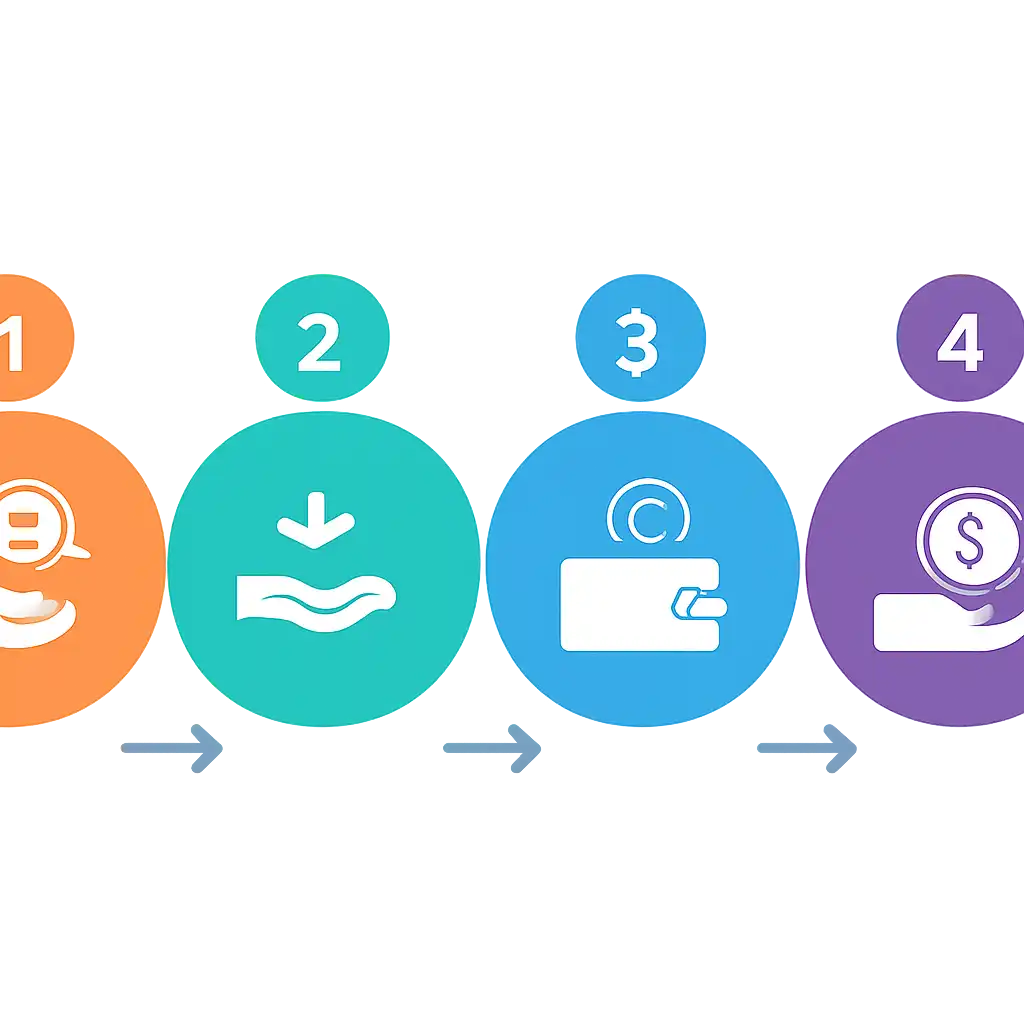
Deposits, Withdrawals and Payouts step-by-step guide
The following step-by-step instructions walk you through the full process on Jalwa.
How to make a deposit on Jalwa
- Log in to your Jalwa account. Open the Jalwa website or app and sign in with your registered email address and password.
- Navigate to the cashier or wallet section. Look for a "Deposit," "Add Funds" or "Wallet" option in the main navigation or account menu.
- Select your preferred payment method. Choose from the list of available options such as UPI, net banking, debit card or e-wallet. Each method shows any applicable minimum and maximum limits.
- Enter the deposit amount. Type the amount you wish to add, ensuring it falls within the stated limits for your chosen method.
- Confirm and authenticate. Proceed through the payment gateway's confirmation screen. For UPI, this means approving the payment request in your UPI app. For net banking, you will be redirected to your bank's secure page.
- Wait for the balance update. Return to your Jalwa account. Your updated balance should appear within seconds to a few minutes. If it does not, check your transaction history before contacting support, as gateway delays occasionally cause a short lag.
How to request a withdrawal on Jalwa
- Ensure KYC is complete. If you have not yet verified your identity, go to the account verification section and upload the required documents. Do this before initiating the withdrawal to avoid delays.
- Check your withdrawable balance. Confirm that the amount you wish to withdraw consists of real-money funds, not bonus funds still subject to wagering requirements. The cashier page will indicate how much of your balance is available for withdrawal.
- Go to the withdrawal section. Select "Withdraw" or "Cash Out" from the cashier or wallet menu.
- Choose your withdrawal method. Select a payment method. For security, Jalwa generally requires withdrawals to return to the same account used for your most recent deposit or to a verified account registered in your name.
- Enter the withdrawal amount. Specify how much you wish to withdraw. Review the minimum and maximum limits, as well as any fee disclosure shown on screen.
- Submit the request. Confirm the details and submit. You will typically receive a confirmation notification by email or on-screen indicating that the request is under review.
- Wait for approval and transfer. Jalwa's payments team processes the request. Once approved, the funds are dispatched via the selected payment network. The time to reach your account depends on the method, as described in the safety, fees and timing section above.
What to do if a transaction does not appear
If a deposit does not credit within the stated timeframe, first check your bank or wallet app to confirm the payment left your account. If it did, note the transaction reference number and contact Jalwa's customer support team with that reference. For a withdrawal that has not arrived after the stated processing window, similarly contact support with your withdrawal request ID, which you will find in your Jalwa transaction history.
Deposits, Withdrawals and Payouts on mobile and desktop
Jalwa is designed to work across both mobile and desktop environments, and the cashier functions are fully available on either platform. The core deposit and withdrawal experience is consistent, though there are a few practical differences worth being aware of.
Mobile experience
Most Indian players access Jalwa primarily through a mobile browser or the dedicated app. The mobile cashier is optimised for smaller screens, presenting payment options in a scrollable list and using large tap targets to reduce the chance of input errors. UPI is particularly well-suited to mobile use because the authentication step, approving the payment in a UPI app such as PhonePe, Google Pay or Paytm, happens natively on the same device, eliminating the need to switch between applications or copy reference codes manually.
When withdrawing on mobile, the process mirrors the desktop flow. You navigate to the wallet section, select the withdrawal option and submit your request. Push notifications, if you have enabled them for the Jalwa app, can alert you when your withdrawal request changes status, keeping you informed without requiring you to check back manually.
Desktop experience
On a desktop browser, the Jalwa cashier typically offers more screen space, which means payment options, limit information and fee disclosures are displayed more expansively. This can be useful when reviewing terms carefully before confirming a deposit tied to a promotional offer. Net banking deposits tend to be slightly more straightforward on desktop because the bank's authentication page renders fully in a browser window without the layout compression that occasionally occurs on mobile browsers.
For UPI deposits on desktop, you will usually be shown a QR code or a UPI payment link. Scan the QR code with your UPI app on your phone to complete the payment. This cross-device step adds one extra action compared to initiating the same payment directly from your phone, but it is still a quick process once you are familiar with it.
What to look for when choosing your device for transactions
- Speed of authentication: Mobile is faster for UPI. Desktop is often more convenient for net banking if you prefer a full browser environment.
- Document uploads for KYC: If you need to complete identity verification, a smartphone makes it easy to photograph and upload documents directly from the device's camera. Desktop users can upload scanned or photographed files from their computer.
- Notifications: The Jalwa mobile app provides real-time status updates on deposits and withdrawals via push notifications. Desktop users rely on email notifications or checking the transaction history manually.
- Connectivity: Ensure you have a stable internet connection regardless of device. An interrupted connection mid-transaction can cause a deposit to be delayed while the payment gateway and Jalwa reconcile the status. If this happens, do not attempt the same deposit twice; wait for the first transaction to resolve or contact support with the original reference.
Regardless of which device you use, Jalwa's encrypted connection protects your financial data at every step. The safest practice is always to access Jalwa only through the official website address or the official app downloaded from a trusted source, and to avoid using public Wi-Fi networks when entering payment details.