Withdrawal Limits, Jalwa
Withdrawal limits: what Indian jalwa players need to know before they start, in plain language.
What is Withdrawal Limits?
At Jalwa, withdrawal limits define the minimum and maximum amounts you can transfer out of your Jalwa account in a single transaction or within a set time window. Understanding these thresholds is essential before you request a payout, because requests that fall outside the permitted range are automatically declined, delaying access to your winnings and, in some cases, triggering a temporary review on your account.
Jalwa sets withdrawal limits for several interconnected reasons: compliance with Reserve Bank of India (RBI) guidelines and the Prevention of Money Laundering Act (PMLA), protection against fraud and unauthorised access, and ensuring that third-party payment processors, including UPI rails, NEFT/IMPS/RTGS networks, and digital wallets, can handle transactions without settlement failures. The limits apply to every payout channel available on jalwax.org.
Why Withdrawal Limits Exist in India Specifically
India's payment infrastructure is governed by both the RBI and NPCI (National Payments Corporation of India). NPCI, which operates the UPI network used by PhonePe, Google Pay (GPay), and BHIM, imposes its own per-transaction ceiling of ₹1,00,000 for standard UPI IDs and ₹2,00,000 for verified UPI accounts linked to certain banks. This means even if Jalwa's own limit is higher, the UPI rail itself will cap the transfer. Jalwa's limits are designed to sit within, not above, these regulatory ceilings, so you never run into a situation where Jalwa approves a payout that the payment network rejects mid-transfer.
Standard Withdrawal Tiers on Jalwa
- Minimum single withdrawal: ₹200, no payout request below this amount will be processed.
- Maximum single withdrawal: Up to ₹5,00,000 per transaction for fully verified accounts.
- Daily withdrawal cap: Up to ₹10,00,000 across all transactions in a 24-hour rolling window.
- Weekly withdrawal cap: Up to ₹30,00,000 for standard Full KYC accounts; negotiated higher limits are available after VIP upgrade.
Unverified accounts face significantly tighter restrictions, a ₹10,000 daily ceiling that makes it impossible to access larger winnings without completing identity checks. Completing KYC (Know Your Customer) verification on Jalwa is the single most impactful action you can take to unlock full withdrawal access, and it costs nothing but a few minutes of your time.
Withdrawal Limits vs. Deposit Limits: Key Difference
Many players confuse withdrawal limits with deposit limits. Deposit limits on Jalwa control how much you can fund your account; withdrawal limits control how much you can take out. The two operate independently. You may have deposited ₹20,000 in a single day without triggering any cap, but if your account is Basic KYC only, your daily withdrawal ceiling remains at ₹2,00,000 regardless of how much you deposited. The direction of the money flow, in versus out, is governed by entirely separate rule sets. Knowing this distinction prevents the common mistake of assuming that a high deposit history automatically grants you a high withdrawal ceiling on Jalwa.
How Withdrawal Limits Works
When you submit a withdrawal request on jalwax.org, Jalwa's payment engine performs three sequential checks before approving or queuing the transfer. Understanding this process helps you structure your payout requests efficiently, especially when dealing with large winnings.
The Three-Stage Approval Check
- Minimum threshold check: Your requested amount must be at least ₹200. If it is lower, the request is rejected instantly, your balance is returned to your Jalwa wallet without any deduction, and you receive an in-app notification explaining the reason. There is no penalty for submitting below-minimum requests, but repeated failed requests may prompt a support review.
- Maximum transaction check: The single-transaction ceiling is applied next. For a Full KYC account the ceiling is ₹5,00,000. If your request exceeds this, you must split it into multiple separate requests, each within the per-transaction limit. For example, if you want to withdraw ₹8,00,000, submit one request for ₹5,00,000 and a second for ₹3,00,000. Both can be submitted on the same day provided your daily cap allows it.
- Rolling window check: Jalwa totals all approved withdrawals in the past 24 hours (and the past 7 days) against your account's tier limits. If a new request would push your cumulative total over the daily or weekly cap, the request is placed in a queue labelled "Limit Reached" in your cashier dashboard. It will not be processed until sufficient headroom opens in your rolling window, typically when earlier transactions age out of the 24-hour calculation.
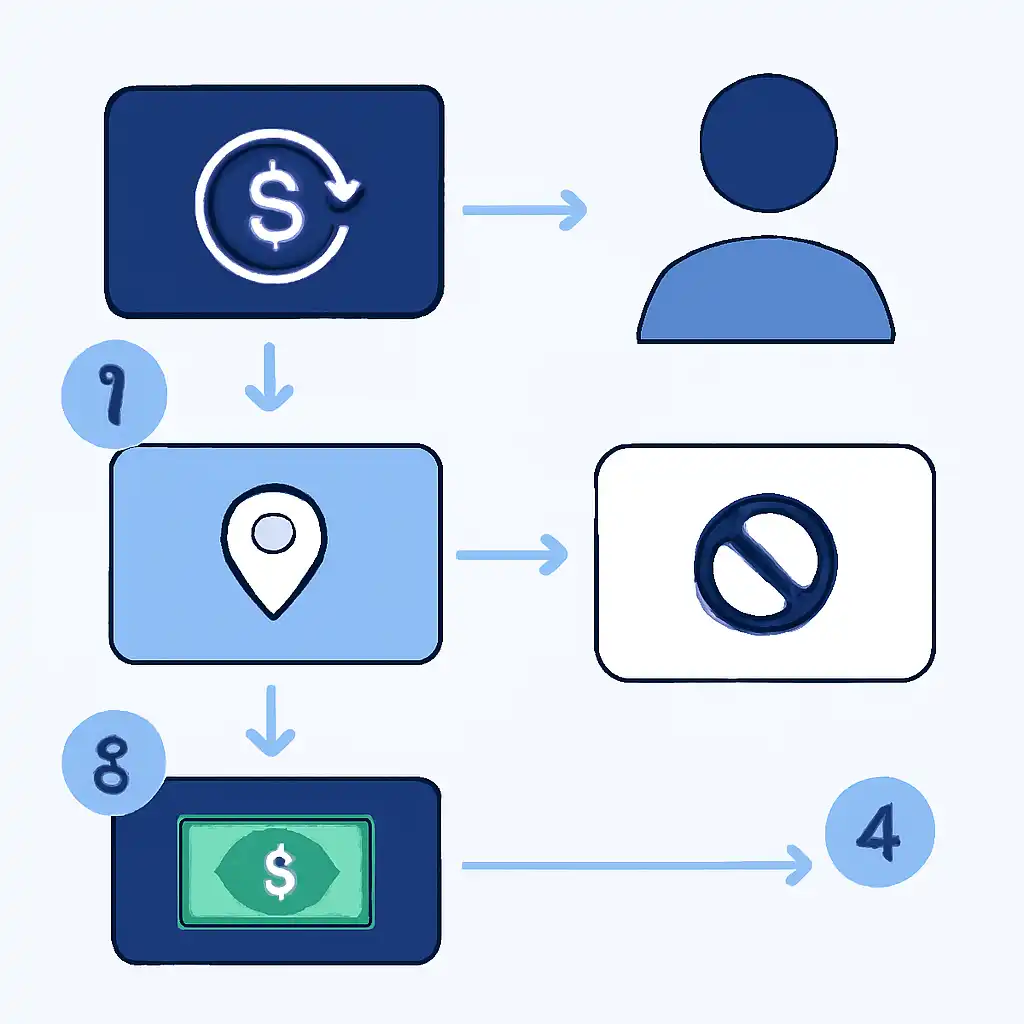
Step-by-Step: How to Submit a Withdrawal on Jalwa
- Log in to your Jalwa account on jalwax.org.
- Navigate to My Account → Cashier → Withdraw.
- Check the "Available to Withdraw" balance, this excludes any funds locked by bonus wagering requirements.
- Review your Remaining Daily Limit counter displayed on the same page.
- Enter an amount between ₹200 and whichever is lower: your available balance or your remaining daily cap.
- Select your preferred payout method: UPI (PhonePe, GPay, BHIM), IMPS bank transfer, NEFT bank transfer, or RTGS (for amounts above ₹2,00,000).
- Confirm your bank account or UPI ID, ensure the registered name matches your KYC documents exactly, then click Submit.
- You will receive an SMS and email confirmation with a transaction reference number. Track status under My Account → Transaction History.
How KYC Level Affects Your Limits
Jalwa operates a tiered verification model. Your withdrawal ceiling rises at each stage of identity verification:
| Verification Level | Documents Required | Max Single Withdrawal | Daily Cap | Weekly Cap |
|---|---|---|---|---|
| Unverified | None | ₹10,000 | ₹10,000 | ₹50,000 |
| Basic KYC | PAN card | ₹1,00,000 | ₹2,00,000 | ₹8,00,000 |
| Full KYC | PAN + Aadhaar + selfie | ₹5,00,000 | ₹10,00,000 | ₹30,00,000 |
| VIP / High Roller | Full KYC + account manager approval | Custom (negotiated) | Custom | Custom |
Payout Method Comparison: UPI vs. IMPS vs. NEFT vs. RTGS
The method you choose affects both speed and the effective per-transaction ceiling you can use:
- UPI (PhonePe, GPay, BHIM): Fastest option, typically 15 to 60 minutes. NPCI caps a single UPI transaction at ₹1,00,000 for most bank-linked UPI IDs, or ₹2,00,000 for verified premium accounts. Best for amounts under ₹1,00,000. Available 24/7 including weekends and bank holidays.
- IMPS (Immediate Payment Service): Transfers arrive within 2 to 4 hours on any day, including Sundays and public holidays. NPCI's IMPS ceiling is ₹5,00,000 per transaction, perfectly aligned with Jalwa's Full KYC per-transaction limit. This makes IMPS the best choice for single withdrawals between ₹1,00,001 and ₹5,00,000.
- NEFT (National Electronic Funds Transfer): Processes in hourly settlement batches, Monday to Saturday. NEFT has no official per-transaction cap, but processing takes up to one full business day and is not available on RBI-designated holidays. Use NEFT only when IMPS is unavailable or when your bank imposes lower IMPS limits.
- RTGS (Real Time Gross Settlement): Designed for high-value transfers above ₹2,00,000. Settles in real time during RBI business hours (typically 8:00 AM to 4:30 PM IST, Monday to Saturday). If you are withdrawing close to Jalwa's ₹5,00,000 per-transaction limit, RTGS provides a reliable settlement guarantee.
Processing Timeline and Limit Resets
Your daily cap resets every 24 hours from the timestamp of your first approved withdrawal that day, not at midnight IST. For example, if your first successful payout is approved at 3:15 PM on Monday, your daily window resets at 3:15 PM on Tuesday. The weekly cap resets exactly 7 days from the same anchor point. You can view your remaining allowance in real time under My Account → Cashier → Withdrawal Limits on jalwax.org.

Pending requests that are awaiting processor confirmation count against your rolling limit to prevent duplicate payouts. Once a request is marked as rejected or cancelled, the reserved amount is freed back into your available limit immediately.
Withdrawal Limits Tips and FAQs
Tips to Maximise Your Withdrawal Speed and Limits
- Complete Full KYC before your first withdrawal. Upload your PAN card, Aadhaar card, and a clear selfie as soon as you register on jalwax.org. KYC documents verified in advance mean zero delays when you actually want to cash out. The verification team typically approves Full KYC submissions within 2 to 6 hours on business days.
- Use PhonePe or GPay for amounts under ₹1,00,000. Both PhonePe and GPay (Google Pay) are linked to NPCI's UPI infrastructure and process Jalwa payouts within 15 to 30 minutes on average. BHIM, the government-backed UPI app, is equally fast and carries no third-party app risk. All three options are available in the Jalwa cashier under the UPI payout section.
- Switch to IMPS for withdrawals between ₹1,00,001 and ₹5,00,000. IMPS is available around the clock and has a ₹5,00,000 per-transaction ceiling that matches Jalwa's Full KYC single-withdrawal limit exactly, no splitting required for most large payouts.
- Plan large withdrawals in advance. If you need to withdraw more than ₹10,00,000 in a single day, contact Jalwa support at least 24 hours ahead via live chat on jalwax.org. The support team can either temporarily raise your daily cap or schedule batch transfers across consecutive days to avoid any gaps in processing.
- Avoid mixing bonus funds with real-money withdrawal requests. Bonus funds tied to active wagering requirements are excluded from your withdrawable balance. Only the real-money portion counts toward, and is subject to, the withdrawal limit thresholds. Attempting to withdraw an amount that includes uncleared bonus funds will result in the request being reduced to your real-money balance, which can be confusing if you have not checked your available balance beforehand.
- Keep your bank and UPI details current. A mismatch between your registered name on Jalwa and your bank account name is one of the leading reasons for withdrawal rejections in India. This is especially common after marriage name changes or after switching from a joint account to an individual account. Update your payment details under My Account → Payment Methods before submitting any payout.
- Stagger large withdrawal requests across multiple days if needed. If your winnings exceed the weekly cap of ₹30,00,000, plan a withdrawal schedule across two or more calendar weeks. Jalwa support can help you map out an optimal schedule that keeps each transaction within approved limits.
- Check your limit balance before splitting requests. Rather than estimating, always review your real-time remaining daily allowance shown in the cashier panel. This tells you exactly how large each split request can be, preventing unnecessary "Limit Reached" rejections that temporarily hold your funds in a pending state.
- Can I request a higher withdrawal limit on Jalwa?
- Yes. Players with Full KYC already approved can contact Jalwa live support or their dedicated VIP account manager to request a temporary or permanent limit increase. Increases are reviewed on a case-by-case basis, and very large limit requests may require submission of additional documentation such as a bank statement confirming your account can handle the transfer value.
- Does my withdrawal limit reset if I upgrade my KYC mid-week?
- Your new maximum limit applies immediately from the moment your upgraded KYC tier is approved. However, any amounts already withdrawn in the current rolling 24-hour or 7-day window still count against your new limits. Only new requests after the upgrade benefit from the higher ceiling.
- Why was my withdrawal rejected even though I am under the limit?
- There are several reasons beyond limit breaches that cause rejections: your UPI ID or bank account name does not exactly match your KYC documents; an active bonus has incomplete wagering requirements attached to the balance you are trying to withdraw; your account has a temporary security hold following a recent password change or device change; or Jalwa's automated fraud-prevention system has flagged an unusual withdrawal pattern. Contact Jalwa support via live chat, quoting your transaction reference number, for a specific explanation and resolution timeline.
- Are withdrawal limits the same on the Jalwa mobile app and on jalwax.org?
- Yes. Limits are attached to your account, not to any specific device, browser, or app version. The same thresholds apply whether you access Jalwa on a desktop browser, a mobile browser, or the dedicated Jalwa Android app. Switching platforms mid-process, for example, starting a withdrawal on desktop and checking status on mobile, does not affect how your limits are calculated.